A six-look lookbook for one fictional model
A worked workflow: invent one character, dress her in separate garments, change the set and unify the light, so six AI frames read as a single shoot.
The hardest request in AI fashion work is not a beautiful frame. It is six frames of the same woman in six outfits that look like one afternoon. Re-rolling a text prompt six times gives you six cousins. The fix is to stop describing her again and start editing her.
This is the workflow I would run for a small lookbook, and why each step is separate. The character, Odile Vance, is invented for this page. Nothing here needs a real person's photograph, and you should not use one.
Step 1: Make a plate, not a picture
The plate is the neutral frame everything else is built from: full-length, front-facing, even light, a plain background, a fitted base layer in a flat colour, arms clear of the body. It will be a dull picture. That is the point. Every later step edits it, so anything dramatic in the plate (a shadow, a prop, a gesture) gets inherited.
Full-length reference photograph of a fictional adult woman named Odile, shoulder-length black hair with a long fringe, a small gap in her front teeth, standing straight and facing the camera, arms relaxed away from the body, plain fitted grey base layer, seamless pale grey backdrop, even soft studio light, 50mm, 2:3.Step 2: Make the clothes as their own pictures
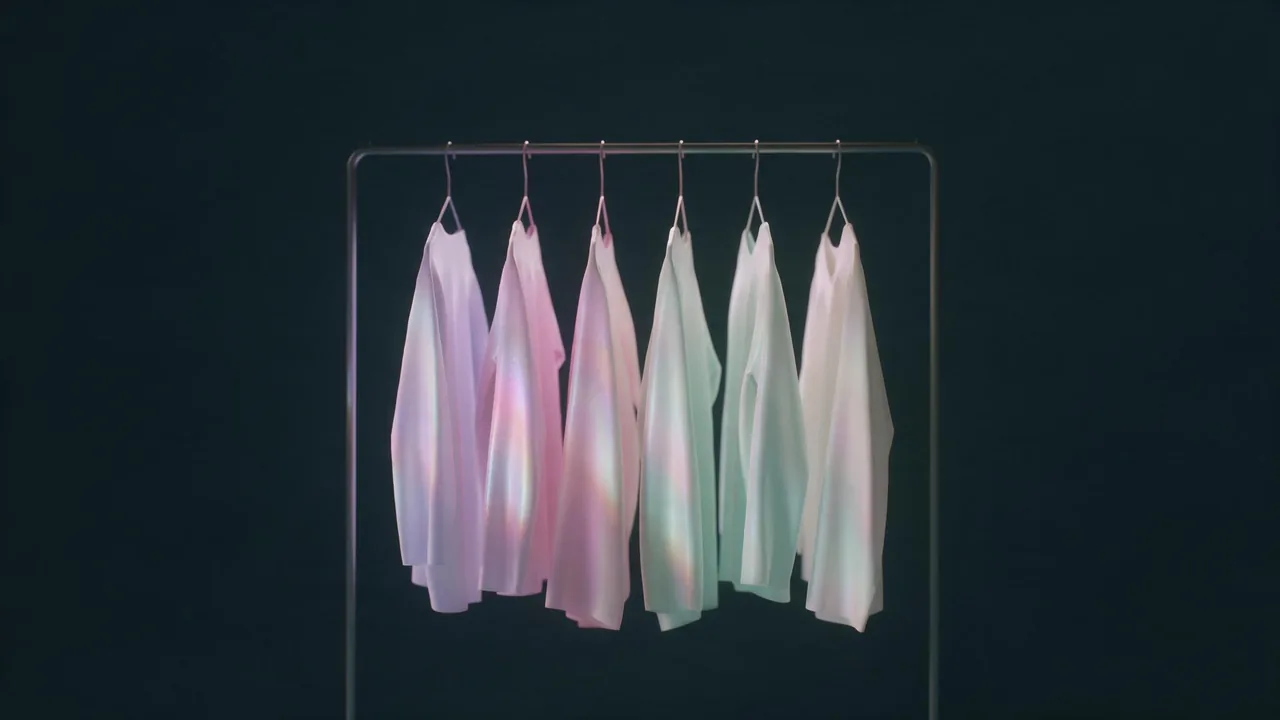
Garments are easier to get right on their own than on a body. Render each piece flat or on a hanger, lit evenly on a plain ground, one garment per picture. Three or four of these a look is enough: a dress, or a jacket and a skirt and a bag.
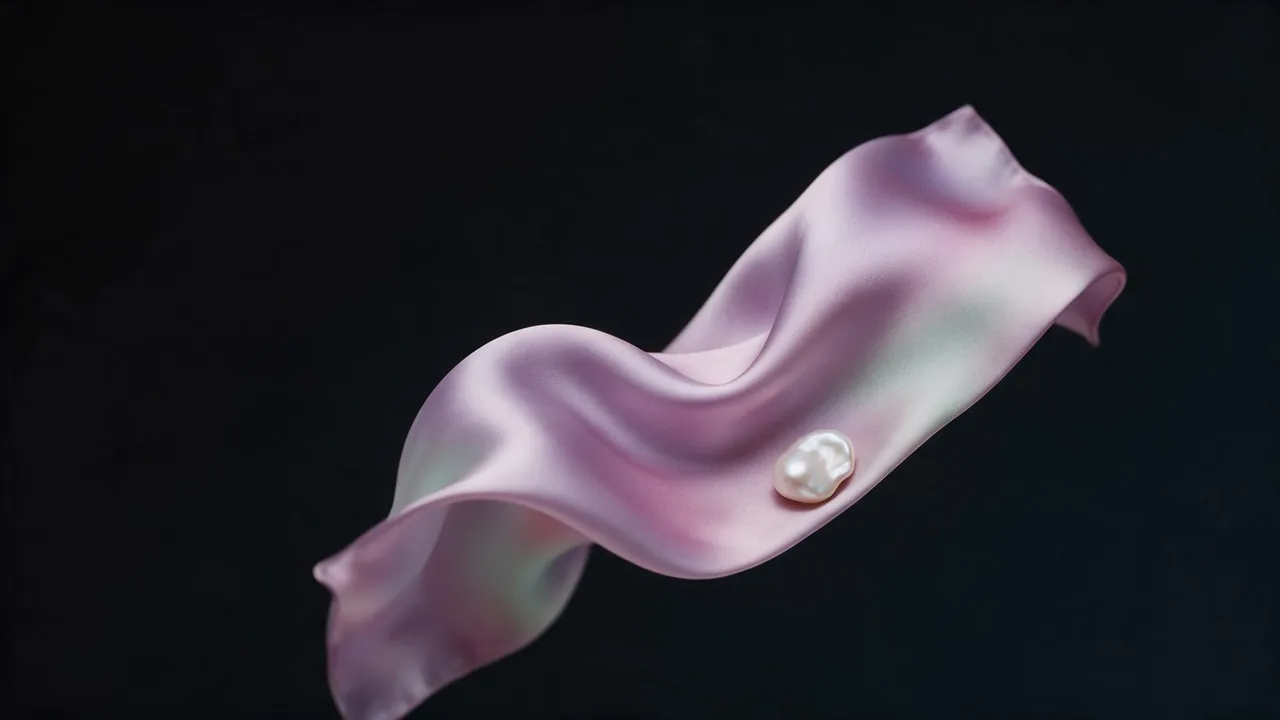
A pale lilac bias-cut satin slip dress laid flat on a plain ink-black surface, seen from directly above, even light, sharp seams and fabric folds, nothing else in the frame.Step 3: Dress her
Bria Virtual Try-On is built for exactly this: you give it the person photo (the plate) and one to three reference images of garments or accessories, with an optional prompt, and it dresses the person. If you leave the aspect ratio unset it keeps the plate's own, which is what you want for a series.
Dress one look at a time and keep each garment reference clean: one dress, or jacket plus bag, never a collage. A look that goes wrong is a prompt to adjust, not a reason to start the character over.
Step 4: Move her to a set
Now the dressed plate needs a world. An editing model that takes several input images is ideal: Nano Banana 2.1 edit accepts a list of reference images and a prompt, with the usual aspect ratios and resolution tiers. Feed it the dressed plate, plus one picture of the location if you have one, and ask for the new scene.
Place the woman from the first image on a rain-washed concrete stair at dusk, keep her face, hair and the dress exactly as they are, hard low sun from camera left, long shadow, 85mm, full-length, 4:5.Step 5: Unify the light, then sequence
Six sets means six lighting moods, and the lookbook will feel patchy. Relight the outliers to one family with a relight model (Bria Relight lets you choose the atmosphere and the direction), then crop everything to one ratio, 4:5 for a printed page. Order the frames so the colour moves smoothly: lilac, rose, ivory, mint, back to lilac.
- Plate: one neutral full-length frame, chosen carefully.
- Garments: one flat picture per piece, plain ground.
- Try-on: the plate plus one to three garments, one look per run.
- Set: an editing model moves her into a location, face and hair locked in the prompt.
- Light: relight the odd one out, crop to one ratio, order by colour.
Where it breaks
Be prepared for her face to drift a little between the set frames, especially in profile or in hard shadow; it is the weakest link of the whole chain, and the cure is to keep each edit small and to prefer the dressed plate over an earlier output as the starting image. Fine patterns (stripes, lace, houndstooth) shimmer or change from look to look, and shoes are the part the try-on handles worst. Plan a look around plain fabrics and a boot that hides the problem, and treat any pattern as a risk you take on purpose.
The cast is yours alone to invent, so keep it that way: use a fictional character you generated, not a photograph of anyone you know. More on the front end of this process, from the brief to the lens, is in the art direction guide; the light glossary covers the last step. Open the studio at the app when you are ready to start.
Questions
Why not just reuse one text prompt for every look?
A text prompt starts from nothing each time, so the face changes with the clothes. Editing starts from a picture you have already chosen, which is the only reliable way to hold a face still.
How many garment pictures can one try-on take?
The try-on model takes between one and three reference images per run. Keep to one dress, or one jacket and one bag, and build bigger outfits across two runs.
Can I use a photograph of a real person as the plate?
Do not. This workflow is for fictional characters you generated yourself. Real people's likenesses, and anyone's photograph without clear permission, are off the table.