How to art-direct an AI fashion editorial
A five-step brief for AI fashion editorials: casting, fabric, set, light and lens, with three ready prompts and an honest note on jewellery and hands.
An editorial is not one pretty picture. It is a handful of frames that agree with each other: same mood, same world, same decision about what the clothes are supposed to say. Photographers get there with a brief, and the brief is the part most people skip when they open an image generator and type "fashion model, studio".
So write the brief first. The five steps below are the order a magazine art director would work in, translated into the words an image model actually reacts to. Everything here is about fictional characters: you invent her, you dress her, and nobody real is involved.
1. One sentence of mood
Before any detail, say what the story feels like and give it one constraint. "Quiet luxury in a rain-washed car park at dusk." "A tailoring story, but everything is slightly too big." The constraint is what stops the frame from turning into a generic catalogue page, because a model fills every gap you leave with the most average choice available.
2. Cast a character, not "a model"
A character has three or four specifics: an adult age bracket, a hairstyle, one unusual detail (a gap in the front teeth, freckles across the nose, a close crop with a long fringe) and a way of standing. The unusual detail does the work. It is also what you will copy into every later prompt so she stays recognisably herself.
3. Dress her with fabric nouns
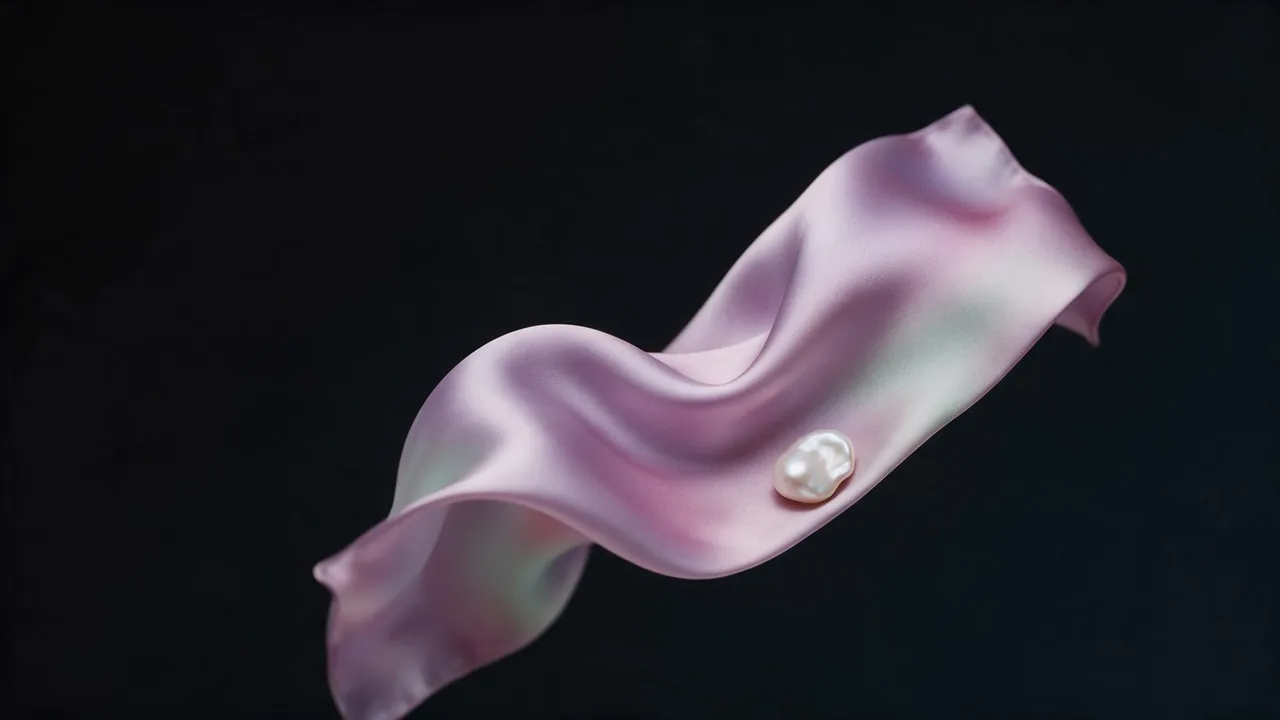
Colour alone gives you flat, plastic-looking clothes. Name the cloth and the cut instead: bias-cut satin, wool crepe, bouclé, patent leather, organza, washed denim; a column dress, a cropped box jacket, an oversized shoulder. Allow one accent colour and let the rest be neutral. Cloth words also bring their own light behaviour: satin catches long highlights, bouclé swallows them.
4. Set and light, kept separate
Give the location as one place, not a list. Then describe the light as a source, a quality and a direction: "low sun from camera left, hard, with a long shadow". If you want a proper vocabulary for this, the glossary of beauty and portrait light is the companion to this step.
5. Lens and crop
Photographers speak in focal lengths, and models have seen them labelled in millions of captions. An 85mm look compresses a face and softens the background; 35mm lets the set speak; a low camera makes a body monumental. Then pick the page: 4:5 is the magazine portrait, 3:2 the wide spread, 9:16 the story. Say "full-length" or "waist-up" outright, otherwise the frame will crop where it likes.
Three prompts to start from
Fashion editorial, quiet luxury in a rain-washed car park at dusk. A fictional adult woman with a close crop and a long fringe, small gap in her front teeth, standing very still. She wears a bias-cut champagne satin column dress and a black wool crepe coat worn off the shoulders. Low sun from camera left, hard light, long shadow on wet concrete. 85mm, full-length, 4:5.Same woman, same coat, now seated on a concrete stair, cropped box jacket in bouclé, one accent colour in lilac, overcast flat light, 35mm, waist-up, looking away from the camera, 3:2.Magazine cover composition, a fictional adult woman in an oversized pearl-grey blazer, head and shoulders, studio backdrop in soft rose, clean empty space across the top third, soft clamshell beauty light, 85mm, 4:5.Picking a model for the job
For the first frame of a series, a text-to-image model with real aspect-ratio and resolution choices is the right tool: FLUX 3 text-to-image offers a wide range of ratios from ultra-wide to tall, three resolution tiers and an optional prompt expansion. For follow-up frames that must keep the same woman, the editing models are better, which is the whole subject of the lookbook workflow. Browse the rest on all models; the price of each render is shown before you run it.
What it will not do
Be honest with yourself about three weak spots. Jewellery, especially clasps, chains and earrings that have to match left and right, drifts from frame to frame. Hands holding a small object (a bag handle, a lipstick) are the classic place for an extra finger. Any text on a garment or a label will be wrong. The art director's answer is to design around it: a gloved hand, a bag in the crook of the elbow, a collar that covers the neckline, and a pair of studs kept for the close-ups only.
And keep it clean: invent your characters. Do not describe a real, named person and do not upload a stranger's photo as a starting point. A fictional adult character is the only brief this guide covers.
Questions
Should I write the prompt as a sentence or as keywords?
Sentences for the scene, short clauses for the camera. A sentence like "she stands very still beside a wet wall" gives posture and mood that a keyword cloud cannot, while "85mm, full-length, 4:5" is better left terse.
How do I keep the same character across frames?
Reuse the same character line word for word, and for stronger control feed your favourite frame to an editing model as a reference. The lookbook workflow walks through it.
Which aspect ratio should I use for a magazine page?
4:5 for a single portrait page, 3:2 for a wide spread, 9:16 if the frames are for stories. You can always crop later, but you cannot add the sky you did not generate, so choose the widest frame the layout allows.