Fabric texture close-ups in AI fashion images: knit, satin, denim, sequins
Words that make knit, satin, denim, wool and sequins look real in a close-up, how to frame the macro shot, and how to fix plastic or smeared weave.
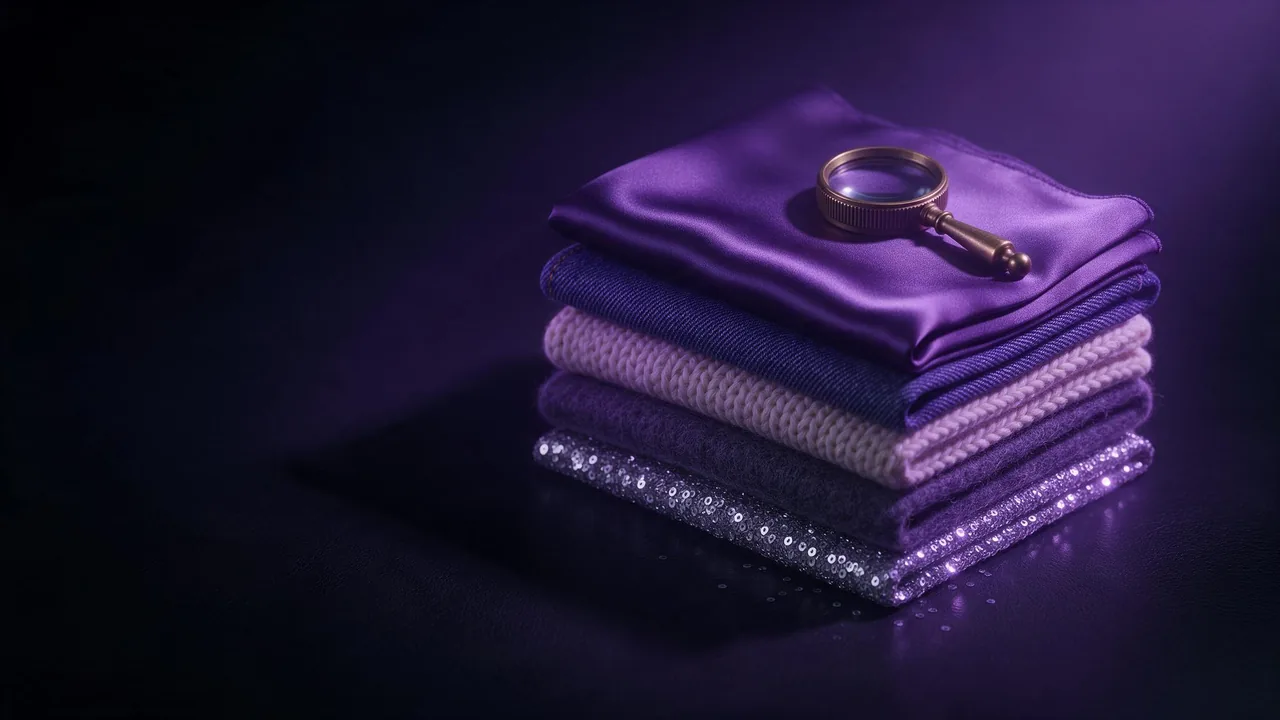
Here is the test I run on every fashion render before anything else: crop to the sleeve and look at the cloth. A full-length frame hides a lot. Zoom in and the knit is a smooth grey gradient with a few stripes painted on, the satin looks like wet plastic, and the denim has no twill at all.
A close-up is where that gets exposed, and also where it pays off, because a believable weave is what makes a fashion image feel expensive. This guide is the vocabulary for five fabrics, how to frame a texture shot, and what to do when the result still looks like vinyl. Models here are invented and adult, and most frames need no face at all.
Name the structure, not just the material
The word "denim" gives you a blue trouser texture. The words "indigo cotton twill with a visible diagonal weave and white warp threads" give you the actual cloth. For each fabric below, say what the surface is made of, then how light behaves on it.
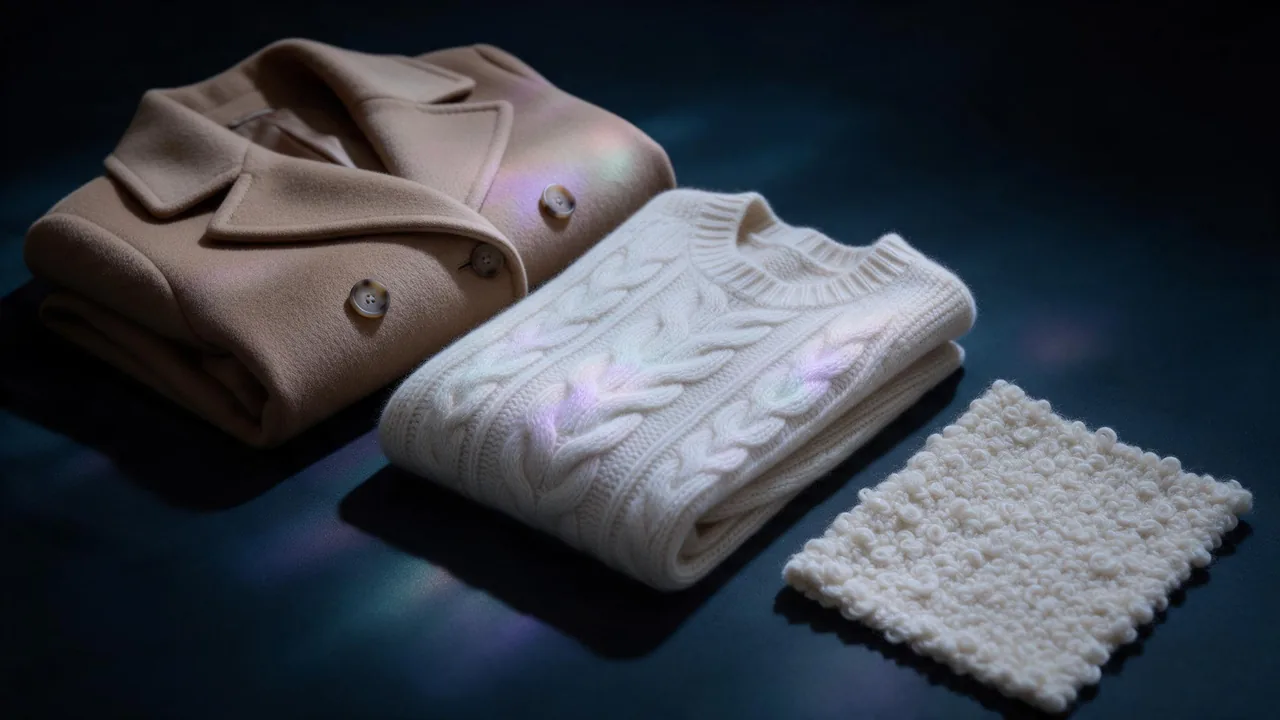
- Knit: name the stitch (rib, cable, garter, jersey), the yarn thickness and whether the surface is fuzzy. Add that individual loops are visible.
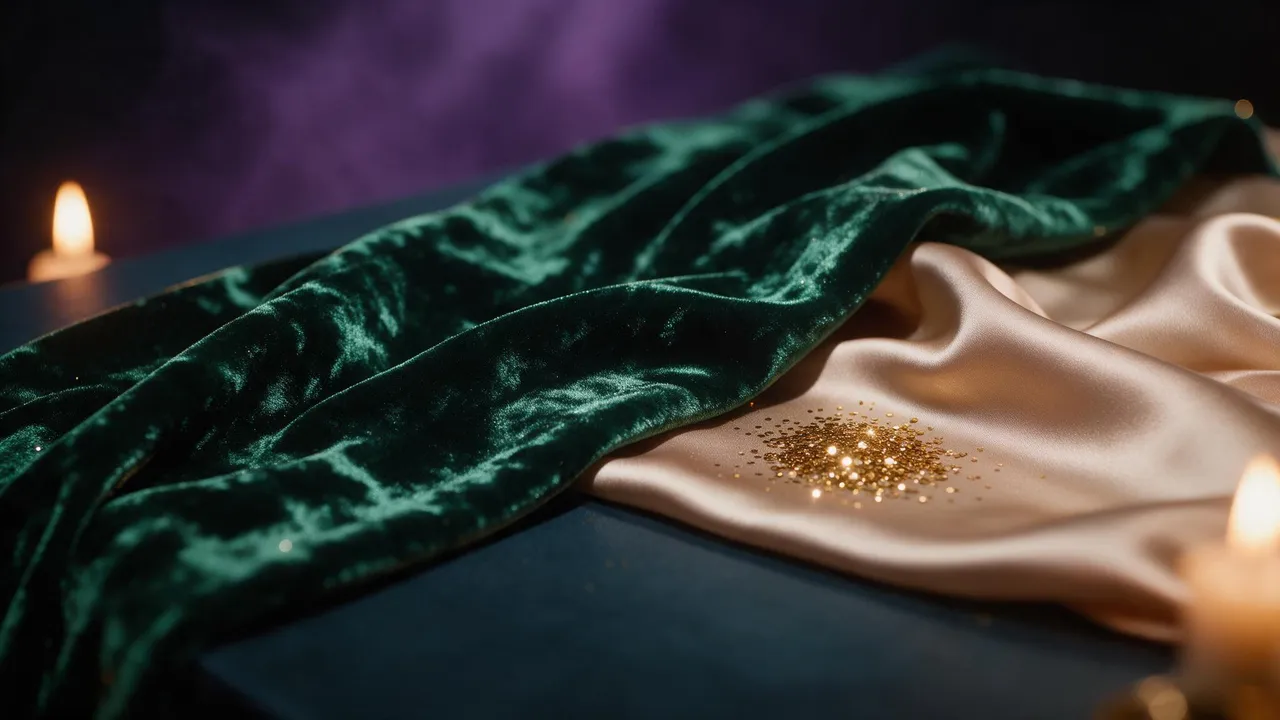
- Satin: it is mostly about light, not texture. Ask for a soft liquid sheen, long gentle folds, and a highlight that stretches along the fold instead of a hot spot.
- Denim: twill diagonal, contrast stitching, a little fade at the creases, a raw or washed finish. Mention the seam, because a seam proves the cloth is real.
- Wool: specify the type (flannel, tweed, felted, boucle). Say matte, slightly hairy, with fibres catching the light at the edge.
- Sequins: say the size (small, flat, overlapping like scales) and that they catch light unevenly, some bright and some dark. Uniform sparkle looks like a filter.
Frame it like a macro
Texture gets pixels in proportion to the frame it fills: a full-body shot gives the weave a sliver, a sleeve gives it the canvas. So when the cloth is the subject, make it the subject: a tight crop, a shallow depth of field, and a camera term that implies closeness.
Macro fashion photograph of the cuff of a chunky oatmeal rib-knit sweater on the wrist of a fictional adult woman, no face in frame. Individual wool loops and fuzzy fibres clearly visible, stitch columns running down the sleeve, soft side light from a window raking across the surface, shallow depth of field with the far sleeve softly blurred, 100mm macro lens, 4:5.Include one detail the viewer reads as scale (a button, a seam, a fingertip), or a fine rib looks like an abstract pattern.
Light does half the texture work
Flat, even light erases weave. Light from the side makes every loop and thread cast a tiny shadow, and that shadow is the texture. For knit, wool and denim, ask for low raking light or a window to one side. For satin, do the opposite: a big soft source so the sheen rolls smoothly along the fold. Sequins want a point source, so some catch fire and others stay dark. The words for all of these are in the beauty light glossary.
When it still looks plastic or smeared
It will, sometimes. My order, cheapest first:
- Cut the beauty words. Phrases like flawless, ultra smooth, perfect, glossy skin and retouched push everything toward a polished plastic look, cloth included. Use natural, matte, visible fibres instead.
- Add one honest flaw. A faint crease, a stray thread, a little pilling on the knit, a soft fade on the denim. Real cloth is never perfect.
- Crop closer. Smeared weave is usually the model running out of pixels. Ask for the sleeve instead of the whole jacket and the same cloth comes back sharp.
- Edit just the cloth. Take the best frame into Nano Banana 2.1 edit and describe only the change: same sweater, same pose, make the knit a coarse chunky rib with visible loops. Editing a small region beats re-rolling the whole image.
Prints are a separate problem, because a pattern has to repeat as well as look real; that one is in the pattern mixing guide, and the metal parts of a bag or a belt are in the accessory post.
What this will not do
A generated close-up is a convincing picture of a fabric, not the fabric. It will not show how a real cloth drapes under real weight, it cannot match a specific mill's swatch, and a fine weave will not repeat exactly between two frames. For a real garment, treat the render as a mood board. Check every frame at full size before you keep it.
To try the knit prompt above, pick a still model on the models page, for example FLUX.3 text to image, and run it in the studio. If one frame has the right cloth in the wrong light, Bria Relight changes the light without redrawing the weave.
Questions
Why does my satin look like plastic?
Usually hard, small light and the word shiny. Ask for a large soft source, long gentle folds and a liquid sheen on silk charmeuse, and cut every polish or flawless word from the prompt.
How do I get visible knit stitches?
Name the stitch, say the yarn is chunky and that individual loops are visible, and crop to a sleeve or a cuff. Add low side light so each loop casts a small shadow.
Do I need a model in the frame for a fabric close-up?
No. A cuff, a hem or a flat swatch keeps all the pixels on the cloth, and a fictional adult character in a wider frame can come later with the same cloth as a reference.