Street-style fashion photos with AI: candid poses, city backdrops, real daylight
How to make AI street-style shots look caught, not staged: mid-stride poses, crosswalks and cafe fronts, overcast light, telephoto framing, real outfits.
Think of the best street-style picture you have seen outside a show. Nobody in it is posing for you. She is crossing the road with a coffee, coat open, looking at something off to the side, and a photographer across the street got the half second where the hem swung out. The clothes are the point, but the picture pretends they are not.
Image models drift the other way. Ask for a woman in a trench coat on a city street and you tend to get a catalogue page: square to the lens, weight on both feet, a smile aimed at you, an empty street lit like a studio. This walkthrough is about undoing that, one decision at a time, for a fictional adult model you invent.
Start from the photographer, not the model
The single most useful line in a street-style prompt describes where the camera is. A photographer working the pavement outside a venue stands well back with a long lens, so say it: shot from across the street, long telephoto lens, subject not aware of the camera. Three things follow: the background compresses, so buildings and passers-by stack close behind her; the street goes soft while the outfit stays sharp; and the angle comes slightly from the side, which already breaks the catalogue stance.
Avoid "selfie", "portrait" and "photoshoot" in the prompt. Each of them invites the model to look into the lens. "Candid", "documentary" and "street photography" pull the other way.
A pose with somewhere to go
A candid pose has a reason. The easiest reason is walking, so describe the stride rather than the stance: mid-stride, front heel just touching the ground, back foot lifting. Then give her hands something to do and her eyes somewhere to look. Small, ordinary actions read as real:
- Holding a paper coffee cup low at her side while she walks.
- Tucking hair behind one ear, head turned toward the traffic.
- Glancing down at a phone, then caught looking up.
- Adjusting a bag strap on her shoulder as she steps off the kerb.
- Laughing at something outside the frame.
Pick one action per frame. Two or three at once (coffee, phone and a bag adjustment) and the hands start to multiply or melt into each other.
Three backdrops that do the work
A city background should place the picture without stealing it. These three are reliable because the model knows them well and each one gives the outfit a clean frame:
- The crosswalk: painted stripes lead the eye and explain the motion. Shoot it from the kerb opposite, slightly low, so the stripes run toward her feet.
- The cafe front: a striped awning, small round tables, a menu board left blank. It gives warm colour and a reason to pause mid-step. Ask for no readable signage, since generated lettering is usually garbled.
- The old doorway: a tall weathered wooden door or a stone arch behind her. It turns a walking shot into a half-stopped one and adds texture that flatters plain fabrics.
Keep the crowd thin and soft. Two or three blurred passers-by make a real street; a dozen sharp faces compete with the outfit and multiply the chances of a strange hand somewhere.
Daylight you would actually get
Street style happens whenever the show lets out, so the light is rarely perfect, which is why it looks true. Overcast is the easiest and most flattering: a white sky acts as one huge softbox, colours stay accurate and nothing burns out, which is ideal when the fabric is the subject. Late afternoon sun gives long shadows and a warm rim on hair and shoulders, at the cost of harsher contrast. Open shade, under an awning or on the dark side of a street, sits in between. Name one of them; leave out studio words like key light or beauty dish, which pull the scene back indoors. For the vocabulary of light itself, the beauty light glossary goes further.
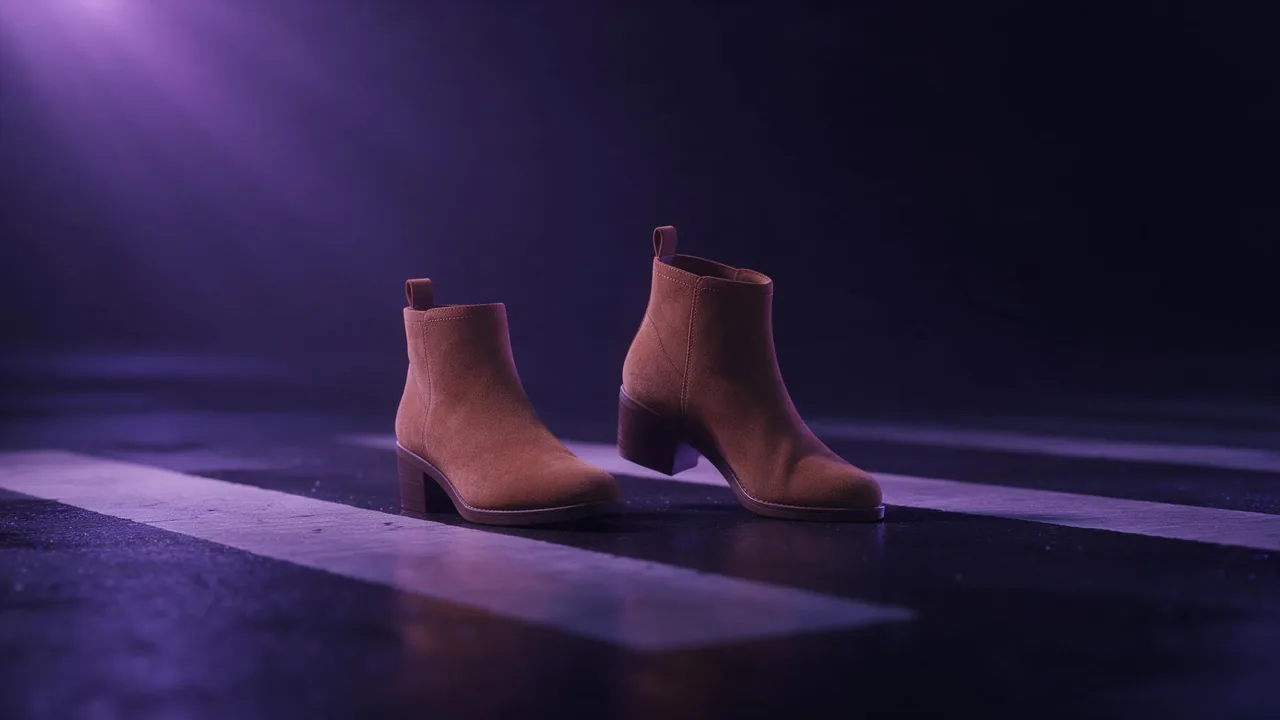
Candid street-style photograph of a fictional woman in her late twenties crossing a city crosswalk on an overcast afternoon, shot from across the street with a long telephoto lens, she does not notice the camera. Mid-stride, front heel touching the ground, holding a paper coffee cup low at her side, head turned toward the traffic. Camel wool coat worn open over a grey knit and straight dark jeans, tan suede ankle boots, a small black shoulder bag. Compressed background of stone buildings and two blurred passers-by, shallow depth of field, slight motion blur on the coat hem, natural soft daylight, no readable signs, 4:5.Caught, not frozen: motion and imperfection
A little motion sells the moment. Ask for slight motion blur on the coat hem or the swinging bag, not on her face. A strand of hair lifted by the wind, a scarf end out of place, a slightly tilted horizon: traces a real photographer leaves. Do not overdo it; heavy movement often smears the whole figure.
Keep the outfit believable
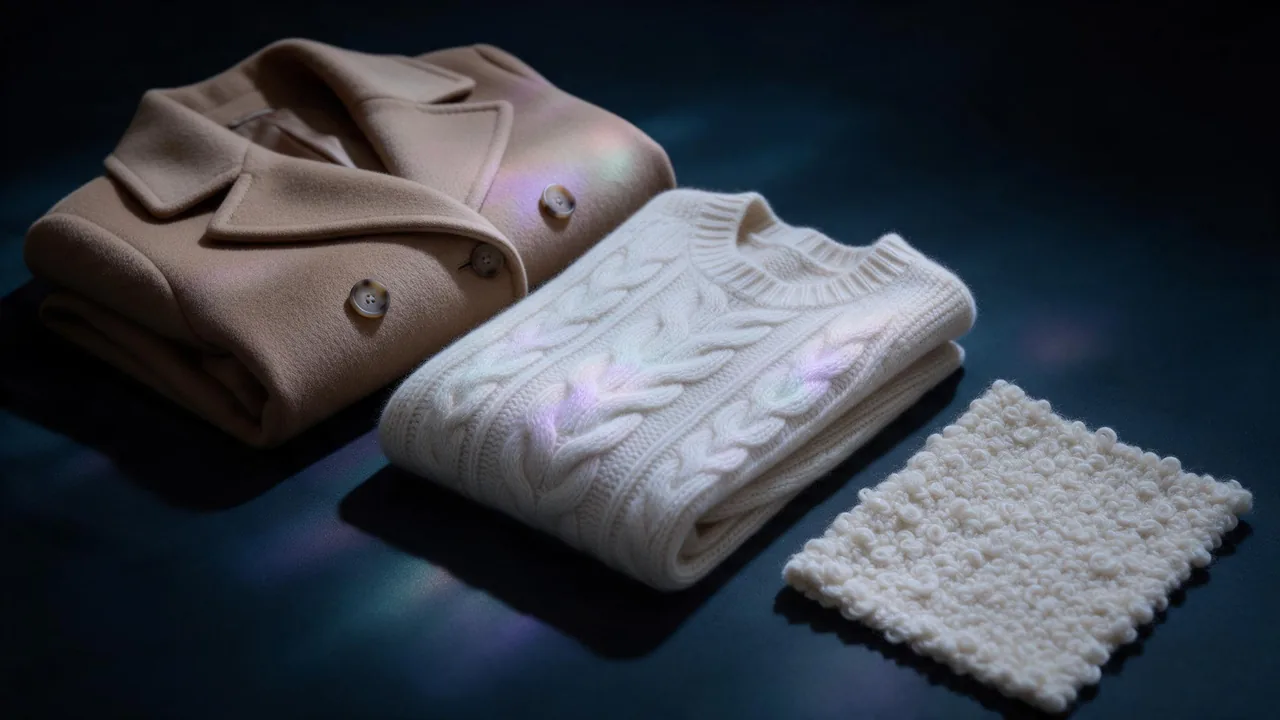
Catalogue stiffness lives in the clothes as much as in the pose. Real outfits have been worn: a coat creased at the elbows, a shirt half-tucked, jeans breaking over the boot, a knit pushed up the forearms. Ask for that wear in plain words. Keep the look to four or five garments plus one bag and one pair of shoes; every extra piece is another place for a seam or strap to go wrong. Describe each garment by its cut and fabric rather than by a label, and avoid logos altogether, since a generated logo will be wrong and a real one does not belong in a fictional picture.
Fix one thing per round
When a frame is close, change one element and render again: the pose, or the light, or a single garment. Changing three at once tells you nothing about which change helped. When everything is right except the background (a busy sign, a stray car), an edit model such as Nano Banana Pro edit can rework that region while keeping the outfit, but it can also nudge a detail you liked, so compare the two frames side by side before you keep the edit.
Be clear about the limits. The street, the passers-by and the model are all invented; you cannot place a real person in a real street scene, and the same face will not stay identical across a whole series without care. If you want one invented model across many locations, plan it the way the one-model lookbook guide describes. Every person in the frame should be a fictional adult of legal age. The price of each render shows before you start it, so test the pose and light on a quick frame, then spend on the keeper. Browse the options on the models page and open the studio to start.
Questions
Why do my AI street-style photos look like catalogue shots?
The prompt usually describes a portrait. Describe the photographer instead: shot from across the street with a long lens, subject unaware of the camera, mid-stride with one small action. That alone breaks the front-facing stance.
What light works best for AI street-style fashion images?
Overcast daylight is the safest choice because it is soft and keeps fabric colours accurate. Late afternoon sun adds warmth and long shadows, and open shade sits between the two. Avoid studio lighting terms in a street scene.
Can I put a real person or a real shop in the photo?
No. Use a fictional adult model and a generic street. Ask for no readable signs, since generated lettering is often garbled and real brands do not belong in an invented scene.