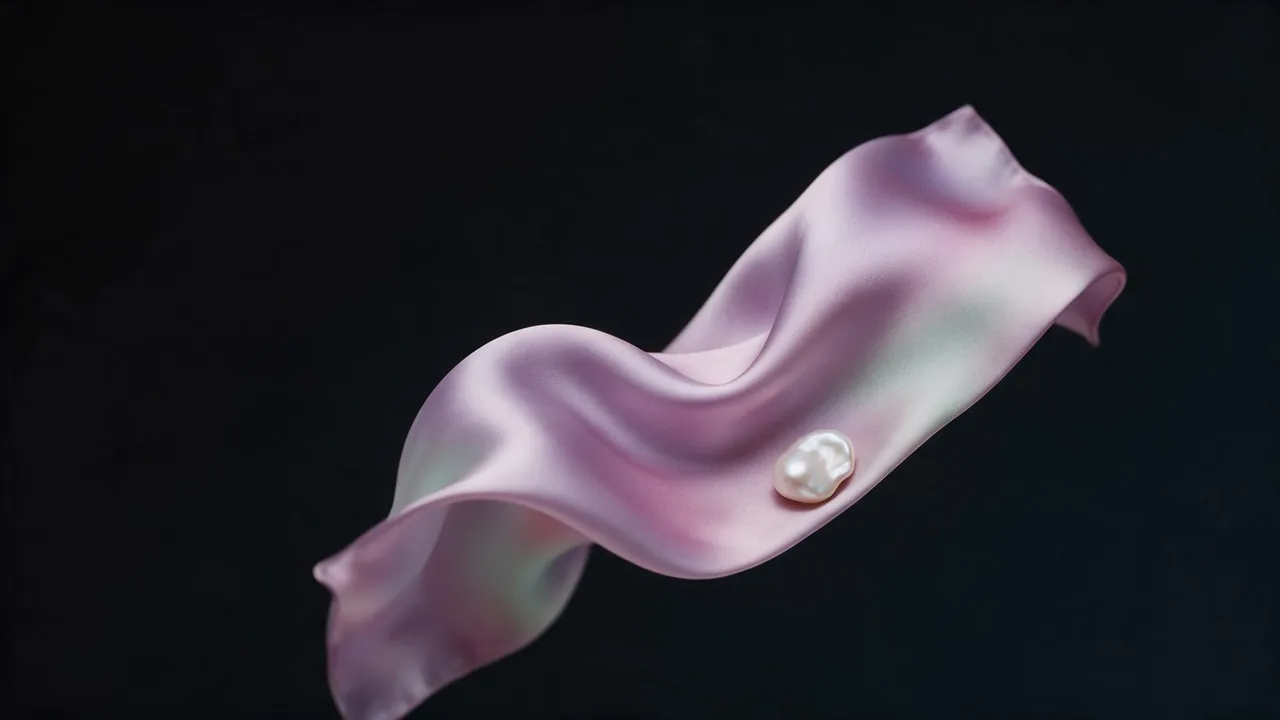
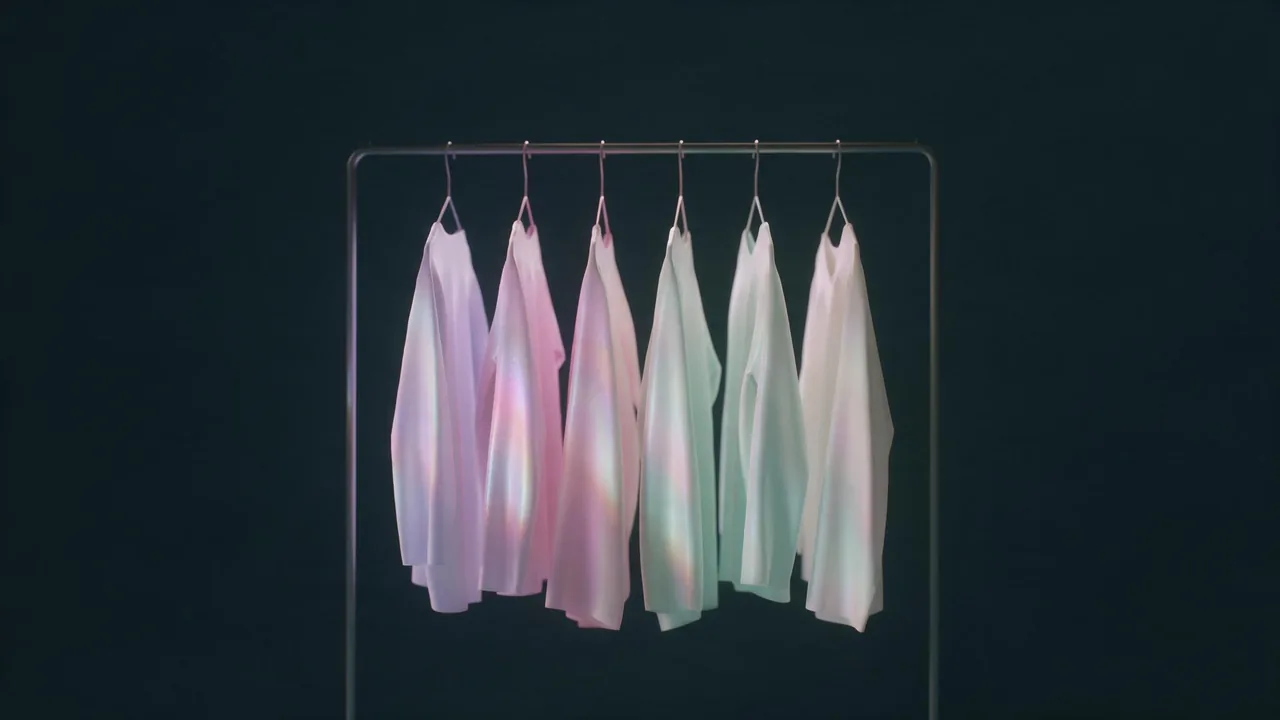
A capsule wardrobe visualized with AI, from flat-lay to outfits
Plan seven pieces, count the outfits they make, then render one flat-lay and the worn shots on one fictional model with the garments identical in every frame.
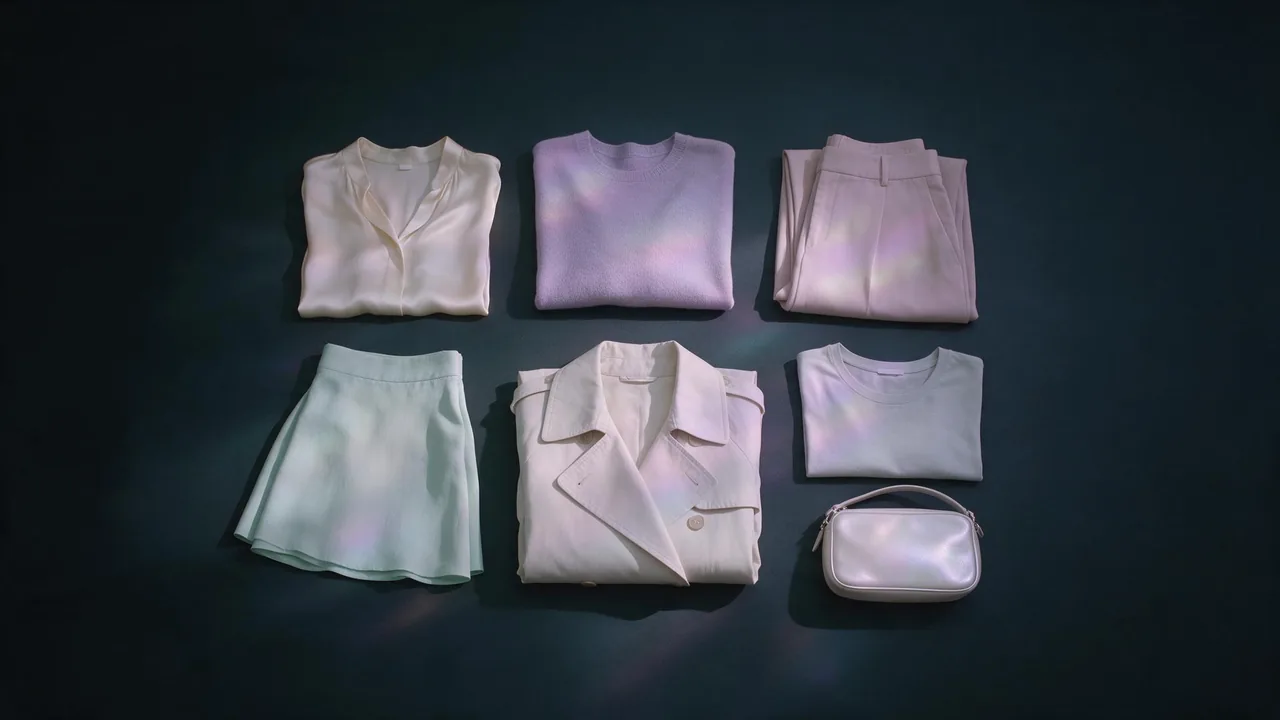
A capsule wardrobe is a promise: a handful of pieces that work with each other so well that the number of outfits is far bigger than the number of garments. The promise is easy to write and hard to believe until someone sees it. That is the deliverable this post builds: one flat-lay of every piece, then a grid of worn outfits on one fictional model, with each garment recognisably the same garment in every frame.
If you have read the lookbook workflow, the tools will look familiar. The job is different. A lookbook sells a mood across separate looks; a capsule sells arithmetic. Here the garments are the main character, and the model, Maren Holt (invented for this page), is the hanger that proves they combine.
Do the outfit maths before you render anything
Pick five to seven pieces and give each a role. A plan that works for a spring capsule of seven:
- Tops: a cream silk blouse and a fine lilac knit.
- Bottoms: wide pale rose trousers and a straight mint midi skirt.
- One dress: an ivory slip dress that also works as a layer under the knit.
- One layer: an ivory trench that goes over everything.
- One accessory: a small pearl-white bag, the piece that ties the photos together.
Now count. Two tops times two bottoms is four outfits. The trench over each doubles that to eight. The dress alone, under the trench and under the knit adds three more. Eleven outfits from seven pieces, before you count the bag on or off. Write the list down as a table, one outfit per row, naming the pieces in it. That table is your shot list, and it stops you rendering the same combination twice.
You will not shoot all eleven. Choose six that show every piece at least twice and every bottom with both tops: that is what convinces a viewer the maths is real.
Write the colour story in one line
A capsule only combines if the colours do. Keep one base (ivory and cream), two soft accents (lilac and rose) and one bridge colour that sits with all of them (mint). Then write the story as a single sentence you can paste into every prompt: "ivory and cream base, lilac and rose accents, mint as the bridge, no black, no pattern". The last two words matter. Prints drift between frames far more than plain fabrics, so a first capsule is safer in solid colours with texture doing the work: silk sheen, a rib knit, a twill trench.
Render each garment once, and only once
This is the rule that keeps the garments identical: every piece gets one reference picture, chosen carefully, and every later frame is built from those pictures, never from a fresh text description. Describe the blouse again in a later prompt and you get a different blouse. Render each garment flat on a plain ground, evenly lit, nothing else in the frame, and keep the one you like as the master.
A wide-leg trouser in pale rose crepe with a high waist and a pressed front crease, laid flat on a plain ink-black surface, seen from directly above, even soft light, every seam and the waistband clearly visible, nothing else in the frame, 4:5.If a master comes back on a busy ground, Bria Remove Background gives you a clean cutout, which makes a better reference for every step below.
Build the flat-lay from the masters
The flat-lay is the first image a reader sees and the one that has to show the whole capsule at once. An editing model that accepts several reference images in one run is the right tool: Nano Banana Pro edit takes a list of input images and a prompt, with a choice of aspect ratio and output resolution. Give it all seven masters and ask for an arrangement, not a redesign.
Arrange the seven pieces from the reference images into one overhead flat-lay on a matte ivory linen surface, folded neatly in two loose rows, keep every piece's colour, fabric and details exactly as in its reference, soft even daylight from above, a little space between pieces, 4:5.Dress the model, outfit by outfit
Make Maren's plate the way the lookbook post describes: full-length, front-facing, plain fitted base layer, even light. Then work down your outfit table. Bria Virtual Try-On takes the person photo plus a small set of garment or accessory references and dresses her; leave the aspect ratio unset and it keeps the plate's. Hand it the same masters you used for the flat-lay, so the blouse in outfit three is the blouse in the flat-lay.
For an outfit with more pieces than the try-on takes in one run (blouse, trousers, trench and bag), dress her in two passes: the base outfit first, then the layer and the accessory on top of that result. For the walking or seated frames, move the dressed result into a scene with Nano Banana 2.1 edit, and pass the garment masters again alongside it so the edit has something to check the clothes against.
Show the woman from the first image walking along a pale stone street in soft morning light, full-length, 4:5. Keep her face, hair and every garment exactly as they are; the trench, blouse and trousers must match the reference images in colour, length and fabric. Ivory and cream base, lilac and rose accents, mint as the bridge, no black, no pattern.Assemble the deliverable
- The plan: a table of every outfit, pieces named per row, the total at the bottom.
- The flat-lay: all pieces in one frame, the cover of the set.
- The worn grid: six outfits, one ratio, ordered so each piece appears in neighbouring frames.
- The light: relight any outlier to match the rest with Bria Relight, which sets the atmosphere and the direction.
- The check: put each worn frame next to the masters and look at collar, hem and buttons.
What still slips
Colour is the first thing to drift: a lilac knit can come back grey-lilac in one frame and pink-lilac in the next, and a grid makes the difference obvious. Put the master for that piece first in the reference list and name the colour in the prompt. Small hardware (buttons, buckles, the bag's clasp) changes shape more than fabric does, and a trench belt tends to tie itself differently every time; decide whether that is acceptable before a client sees it. Layers over layers are the weakest outfits, so put them late in the grid where the eye has already accepted the pieces.
The model stays fictional, always: Maren is generated, and so should yours be. For the brief and the lens choices behind the worn frames, the art direction guide is the place to start; the full catalog is on the models page, and the studio is at the app.
Questions
How many outfits can a seven-piece capsule really make?
It depends on the roles, not the count. Two tops, two bottoms, one dress, one layer and one accessory make around eleven distinct outfits, because the layer doubles every top and bottom pair and the dress works three ways.
Why render each garment flat first instead of describing it on the model?
A text description is reinterpreted every time, so the garment changes between frames. A reference picture is the same pixels in every run, which is what lets the flat-lay and the worn shots show the same piece.
Can I use photos of my own clothes or of a real person?
Photos of garments you own are fine as references. The person should be a fictional model you generated; a real person's likeness, or anyone's photo without clear permission, is not.